12/03/2026
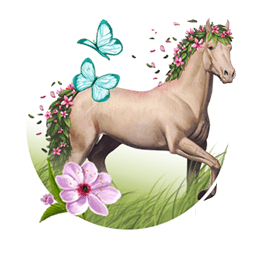
Spring combo contest
Hello,
Let's take advantage of the coming Spring to bring out our most beautiful combinations of Golden Apple and Helios' Ray.
To participate in this contest, post a message on this topic showing a Golden Apple + Helios' Ray combo with the Spring theme.
As usual, there are TWO topics about this contest:
 Submit your entry from now and until 26/03/2026 11:00.
The voting phase will take place between 26/03/2026 11:00 and 30/03/2026 10:00.
The winners will be announced once we have the results.
Submit your entry from now and until 26/03/2026 11:00.
The voting phase will take place between 26/03/2026 11:00 and 30/03/2026 10:00.
The winners will be announced once we have the results.
The time matches the time zone selected on your account.
Participation Rules
↪ Only one submission per player.
↪ Your submission needs to respect the Spring theme. If it doesn’t, it will be disqualified.
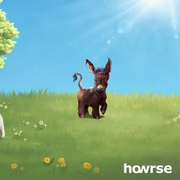
↪ Your combo needs to be in one picture. For example:

↪ When submitting your entry, you also need to share the Golden Apple and Helios' Ray names and authors.
↪ You also need to share the name and the public link to the submitted horse.
↪ You can select any coat you want: donkey, draft horse, unicorn, or other species. And you can also use old creations.
↪ It's prohibited to advertise and solicit votes (via PM or other messages).
How to vote
You can vote for your favorite combo(s) by clicking on the "Heart" on the top right of each message. You can vote for as many combos as you like.
The combos with the most "Hearts" will win the prizes. In the event of a tie, the winner will be randomly chosen.
 Prizes
↪ 1st place - Flint, the new Rocks divine + Spring, the Seasons divine + 100 Pass seeds
↪ 2nd place - Marble, the Rocks divine + Spring, the Seasons divine + 75 Pass seeds
↪ 3rd place - Spring, the Seasons divine + 50 Pass seeds
↪ 4th place - 1x Harmony Pack + 25 Pass seeds
↪ 5th place - 1x Golden Apple + 25 Pass seeds
↪ 6th to 10th place - 25 Pass seeds
How to upload your image
Click to display
↪ You can either take a screenshot of your horse or use the in-game download option.
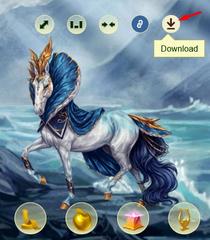
↪ If you use the download option, go to your horse's page and click on the download icon. The image will then be saved on your device.
↪ Upload the image to a website of your choice: Postimage, for example.
Please avoid using Imgur, as players living in the UK won't be able to see those images.
↪ Some websites allow you to resize the image, so you can make it smaller to fit nicely on the forum.
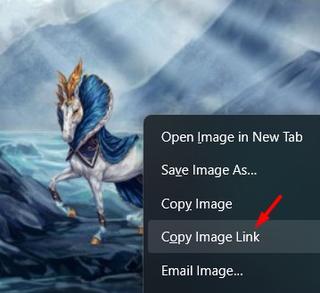
↪ After it's uploaded on the website, right-click on the image and click on "Copy Image Link", like this:
↪ On Howrse, click on the "Add an image" button and paste the link there:

↪ You can use the preview feature to preview your message before posting it.
How to find your horse's link
Click to display
↪ Go to your horse's page and click on the chain link icon while hovering over your horse. This will copy the horse’s public link.
If you are playing on the App, you’ll need to switch to the Classic version, go to your horse, then click on the chain link icon.

↪ Post the link on your participation message.
↪ If you want to add the link to the horse's name, click on this button:
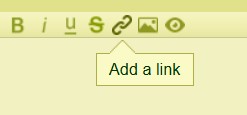
Then, add the public link to your horse’s page and the horse’s name. It will look like this: Gaia.
We can't wait to see your amazing combos!

The Howrse Team
- Tuesday
- TuesdayHeya,
Thanks for the contest and good luck to y'all !
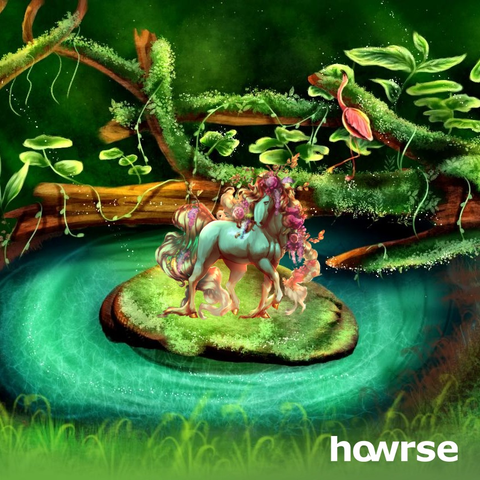
Horse : sᴏғᴛ ʟɪᴋᴇ ᴀ ғʟᴏᴡᴇʀ
Golden Apple : The Flowers Glow (by shadowsnips)
Helios Ray : Mystica Silva (by sushilmoon) - Tuesday
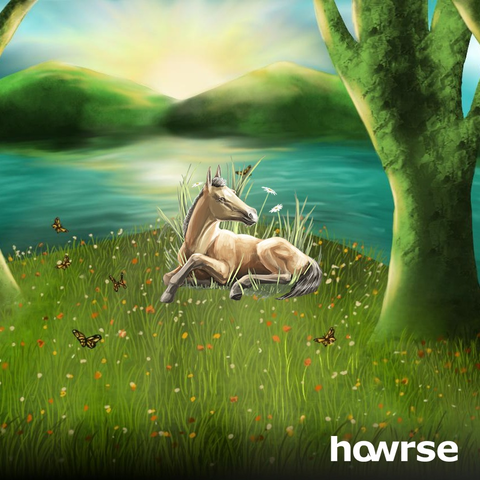
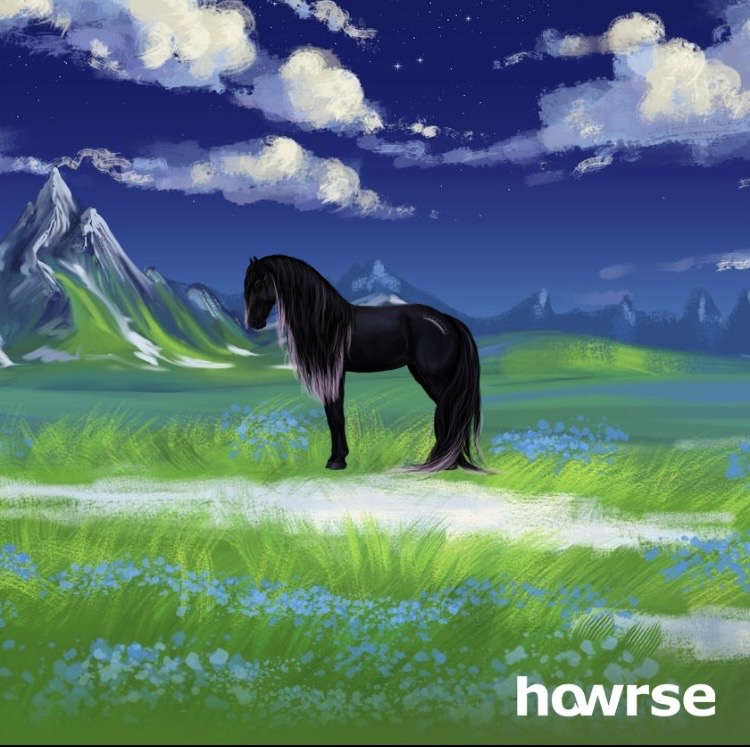
This is Belladonna
Golden Apple: Созерцатель by Фаоильтиарна
Helios Ray: SpringMeerForest by Night Centaur - TuesdayGA Saurima
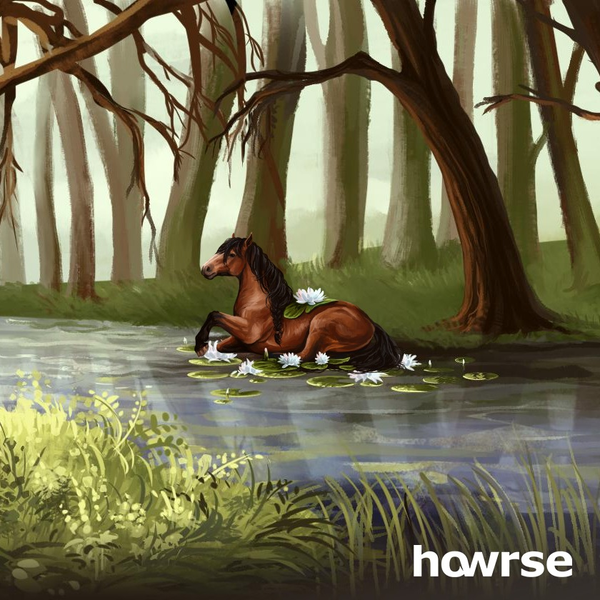
By Nikaca
Helios Ray Blue skyy
By suzigama
https://ca.howrse.com/elevage/fiche/?id=4535059
Horse name Rare Gem - TuesdayThank you so much for doing this!!

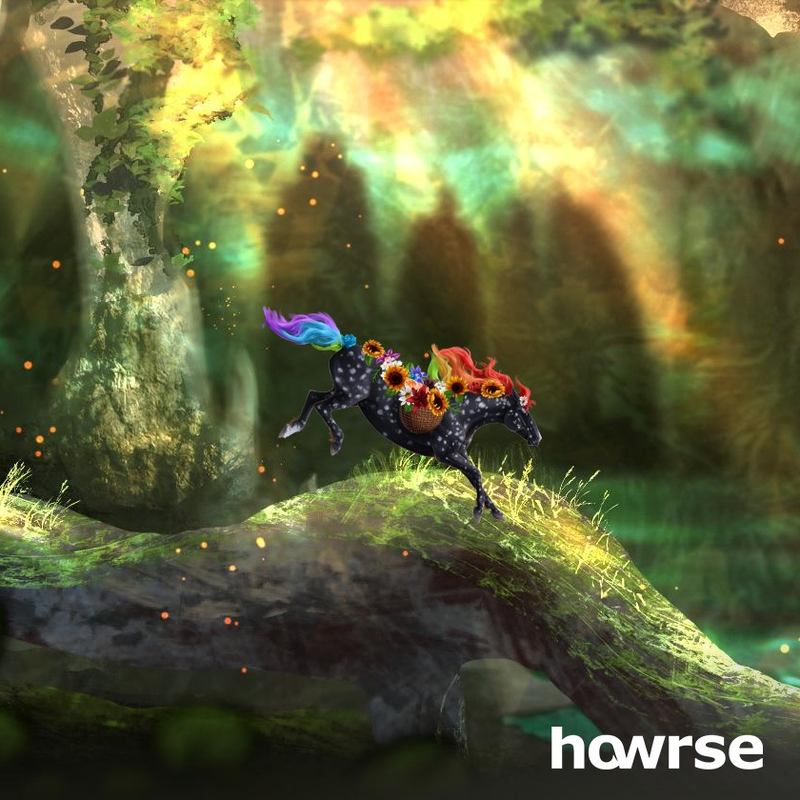
Horse: Spring is Near
Golden apple: Lady Flower by Kleo
Helios: The Buried Sanctuary by Sovngarde
- Tuesday


.png)